Discover ideas that resonate
Browse a personalized stream of concepts built around what you create. Save the ones that pull you in and leave the rest behind.
Personalized ideas for creators
Explore a personalized feed of concepts built around what you create. When one resonates, refine it with detailed feedback until it fits your voice, vision, and the post you want to make.
Discover what clicks. Direct every detail.

Two stages, one creative flow
Move from a living personalized feed to focused refinement without losing what made the concept exciting in the first place.
Browse a personalized stream of concepts built around what you create. Save the ones that pull you in and leave the rest behind.
Open any idea that resonates and say what to keep, change, sharpen, or remove. Keep refining until the concept feels unmistakably yours.
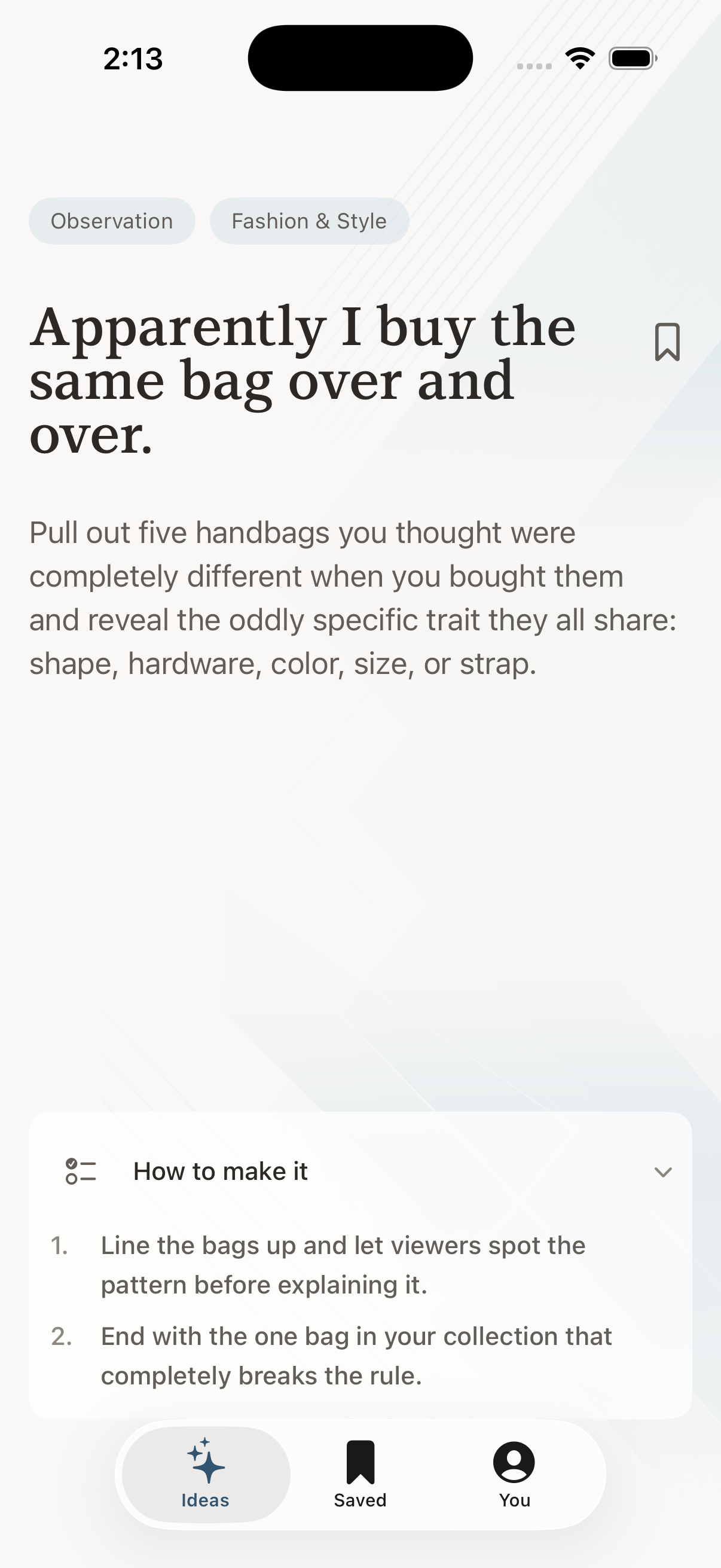
Stage one — Discover
The feed gives you personalized ideas with enough substance to react to. Explore freely, save what resonates, and let your taste decide which concept moves forward.
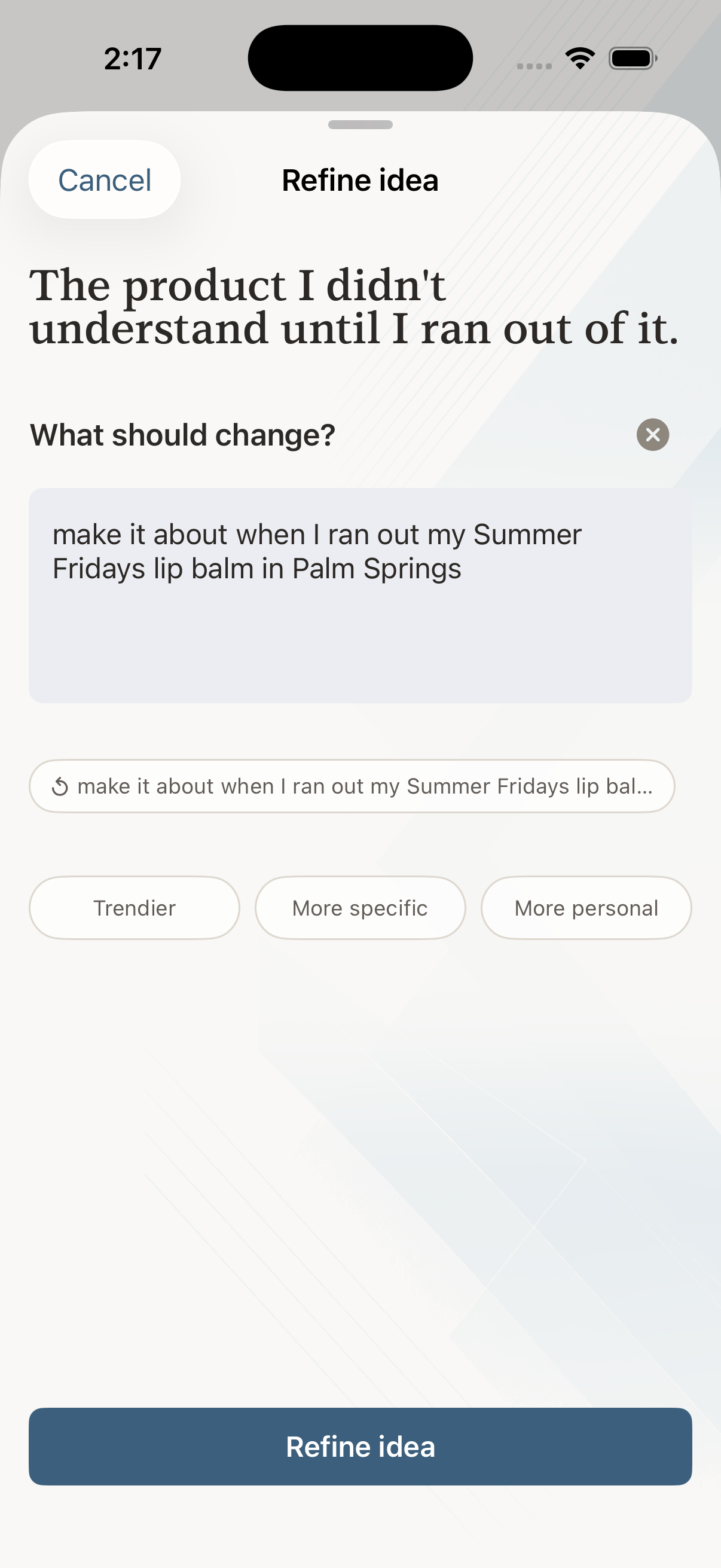
Stage two — Refine
Tell Loopfluence exactly what works, what doesn’t, and what you want to change. Refine the angle, emphasis, tone, audience, or format through detailed feedback until the concept matches what you want to create.
A few good questions
No. Loopfluence helps you discover a strong starting concept and refine it around your creative direction. Your voice, taste, and final work remain yours.
Start with your social handle, then explore a personalized discovery feed. When an idea resonates, open it and begin refining.
Give detailed feedback in your own words. Explain what you like, what feels off, and how you want the angle, tone, focus, or format to change.
Your saves show what resonates, while your detailed refinement feedback helps shape the current concept and makes future recommendations more useful.
Available in the iOS App Store
Explore personalized ideas. Refine the one that resonates until you’re ready to make it.
App Store Two stages, from discovery to a concept that feels fully yours.